Bizhub 205i Konica Minolta About
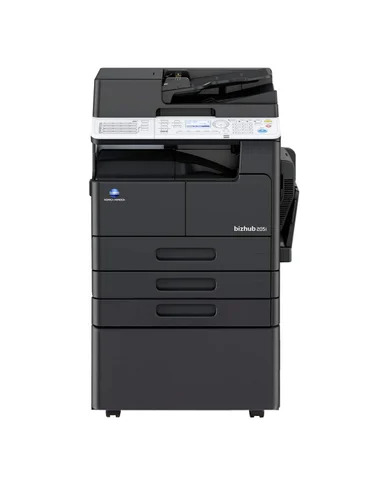
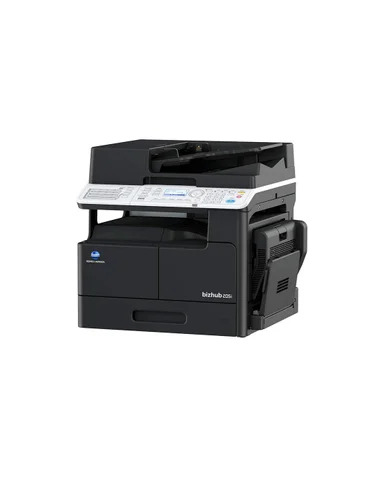
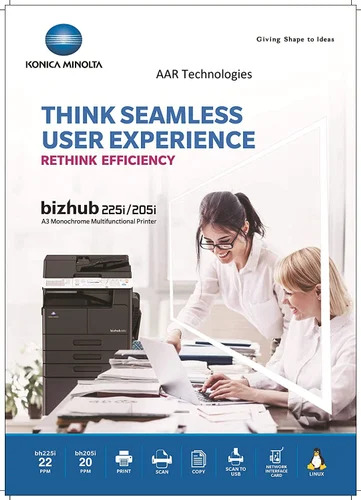
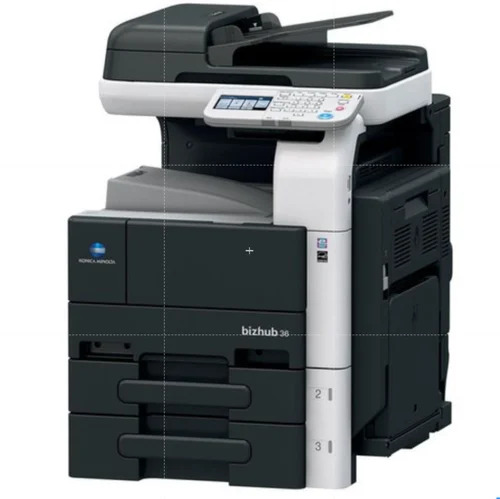
Discover the exclusive Bizhub 205i Konica Minolta, a best-seller meticulously engineered for superlative office and business needs. Boasting a splendiferous 128 MB memory and lightning-quick warm-up time of 15 seconds, this remarked machine ensures seamless copying, printing, and scanning. With its compact, automatic design, support for up to A3 media, and capacity for 999 copies in a session, efficiency is always within reach. Energy-saving and noise-conscious, it meets high-volume demands effortlessly-making it a top promotion for discerning offices. Available new throughout India.
Optimal Usage and User Directions
The Bizhub 205i Konica Minolta is extensively used by office professionals and businesses for high-quality document processing. Designed for daily office use, it accommodates copying, printing, and scanning tasks with remarkable efficiency. Users simply load documents into the tray, select desired functions via the user-friendly interface, and proceed with instant output. This model's versatility and robust build make it ideal for fast-paced environments where streamlined workflow is imperative.
Comprehensive Packaging and Export Details
Packing & Dispatch of the Bizhub 205i are managed to ensure product integrity, with each unit securely boxed for safe arrival. Dispatching is streamlined through reputed channels targeting main export markets like Asia, the Middle East, and Africa. Offered at a competitive sale price, the product is usually shipped from leading Indian FOB ports, guaranteeing efficient export timelines and optimal condition upon delivery. Packaging is designed to withstand diverse shipping conditions.
FAQ's of Bizhub 205i Konica Minolta:
Q: How does the Bizhub 205i enhance office productivity?
A: The Bizhub 205i delivers rapid print and copy speeds, streamlined scanning, and convenient one-tray operation, allowing users to handle up to 999 copies per session-ideal for busy work environments.
Q: What is the process for setting up the Bizhub 205i?
A: Setup involves unpacking, connecting the device via USB 2.0 to a Windows system, loading the paper tray, and following the straightforward on-screen instructions for driver installation.
Q: When is it recommended to use the optional feeder?
A: The optional feeder is especially useful when working with large multi-page documents, as it automates the scanning and copying process, minimizing manual input and enhancing productivity.
Q: Where can the Bizhub 205i be installed?
A: Thanks to its compact, noise-reducing design and moderate weight, this model fits perfectly in modern offices, business centers, or any workspace requiring efficient document management.
Q: What types of media are supported by the Bizhub 205i?
A: This device supports a wide range of media types from A5 to A3, offering flexibility in document size and fulfilling varied business printing requirements.
Q: What are the main benefits of the Bizhub 205i's energy-saving features?
A: Its energy-efficient operation helps reduce overall power consumption, supports sustainable office environments, and contributes to lower operating costs.






 Send Inquiry


 Send Inquiry